This is a step-by-step guide to install Documentum 20.2 in a Linux environment with PostgreSQL 11.
Environment
Host:
Windows 10 x64 8GB RAM
VMware Workstation Player 15
Guest:
CentOS 7.7 x64 25GB HD 4GB RAM 2 cores
PostgreSQL 11
Documentum 20.2
VM Creation
Mount the CentOS 7 DVD image, boot the machine and follow the steps. You can choose to let EasyInstall do the work for you. I used minimal package install to save resources, named the machine dctm202, configured the network and set the root password as well as a “dmadmin” user.
OS Configuration
- Install required packages:
[dmadmin@dctm202 ~]$ sudo yum -y install bash-completion kernel-devel rng-tools.x86_64
[dmadmin@dctm202 ~]$ sudo yum -y install bash-completion kernel-devel rng-tools.x86_64 policycoreutils policycoreutils-python selinux-policy selinux-policy-targeted libselinux-utils setroubleshoot-server setools setools-console mcstrans expect tcl
[dmadmin@dctm202 ~]$ sudo yum -y group install X\ Window\ System “Development Tools”
[dmadmin@dctm202 ~]$ sudo yum -y install open-vm-tools.x86_64
- Stop and disable the firewalld service:
[dmadmin@dctm202 ~]$ sudo systemctl disable firewalld
Removed symlink /etc/systemd/system/multi-user.target.wants/firewalld.service.
Removed symlink /etc/systemd/system/dbus-org.fedoraproject.FirewallD1.service.
[dmadmin@dctm202 ~]$ sudo systemctl stop firewalld
- Configure entropy and allow http connections through selinux:
[dmadmin@dctm202 ~]$ sudo /sbin/rngd -b -r /dev/urandom -p /dev/random
[dmadmin@dctm202 ~]$ sudo setsebool -P httpd_can_network_connect_db 1
[dmadmin@dctm202 ~]$ sudo chkconfig rngd on
PostgreSQL Configuration
- Install required packages:
[dmadmin@dctm202 ~]$ sudo yum -y install https://download.postgresql.org/pub/repos/yum/reporpms/EL-7-x86_64/pgdg-redhat-repo-latest.noarch.rpm
[dmadmin@dctm202 ~]$ sudo yum -y install postgresql11 postgresql11-server
- Init the DB:
[dmadmin@dctm202 ~]$ sudo /usr/pgsql-11/bin/postgresql-11-setup initdb
- Enable and start the PostgreSQL service:
[dmadmin@dctm202 ~]$ sudo systemctl enable postgresql-11
Created symlink from /etc/systemd/system/multi-user.target.wants/postgresql-11.service to /usr/lib/systemd/system/postgresql-11.service.
[dmadmin@dctm202 ~]$ sudo systemctl start postgresql-11
- Configure the postgres user:
[dmadmin@dctm202 ~]$ sudo passwd postgres
Changing password for user postgres.
New password:
BAD PASSWORD: The password is shorter than 8 characters
Retype new password:
passwd: all authentication tokens updated successfully.[dmadmin@dctm202 ~]$ su – postgres
-bash-4.2$ psql
psql (11.5)
Type “help” for help.postgres=#
postgres=# \password postgres
Enter new password:
Enter it again:
postgres=# \q
-bash-4.2$ exit
- Configure PostgreSQL:
[root@dctm202 ~]# vi /var/lib/pgsql/11/data/postgresql.conf
listen_addresses = ‘*’
port = 5432[root@dctm202 ~]# vi /var/lib/pgsql/11/data/pg_hba.conf
host all all 127.0.0.1/32 md5
host all all ::/128 md5
host all all dctm202 md5
- Restart PostgreSQL service to apply the changes:
[dmadmin@dctm202 ~]$ sudo systemctl restart postgresql-11
phpPgAdmin Configuration
- Install required packages:
[dmadmin@dctm202 ~]$ sudo yum install -y php php-cli php-common php-pdo php-pgsql httpd apr apr-util httpd-tools libzip mailcap
[dmadmin@dctm202 ~]$ wget https://github.com/phppgadmin/phppgadmin/archive/REL_5-6-0.tar.gz
[dmadmin@dctm202 ~]$ tar -zxvf REL_5-6-0.tar.gz
[dmadmin@dctm202 ~]$ mv phppgadmin-REL_5-6-0/ /usr/share/phppgadmin
[dmadmin@dctm202 ~]$ mv /usr/share/phppgadmin/conf/config.inc.php-dist /usr/share/phppgadmin/conf/config.inc.php
- Configure phpPgAdmin:
[dmadmin@dctm202 ~]$ sudo vi /etc/httpd/conf.d/phpPgAdmin.conf
Alias /phppgadmin /usr/share/phppgadmin
<Location /phppgadmin>
<IfModule mod_authz_core.c>
# Apache 2.4
Require all granted
#Require host example.com
</IfModule>
<IfModule !mod_authz_core.c>
# Apache 2.2
Order deny,allow
Allow from all
Allow from 127.0.0.1
Allow from ::1
# Allow from .example.com
</IfModule>
</Location>[dmadmin@dctm202 ~]$ sudo vi /etc/phpPgAdmin/config.inc.php-dist
$conf[‘servers’][0][‘host’] = ‘dctm202’;
$conf[‘extra_login_security’] = false;
$conf[‘owned_only’] = true;[dmadmin@dctm202 ~]$ sudo cp /etc/phpPgAdmin/config.inc.php-dist /etc/phpPgAdmin/config.inc.php
- Restart httpd service to apply the changes:
[dmadmin@dctm202 ~]$ sudo systemctl restart httpd
Now you should be able to login to the console from http://dctm202/phppgadmin/.
ODBC Configuration
- Install required packages:
[dmadmin@dctm202 ~]$ sudo yum -y install postgresql11-odbc.x86_64 unixODBC.x86_64
- Configure .ini files:
[dmadmin@dctm202 ~]$ sudo vi /etc/odbcinst.ini
[PostgreSQL]
Description = ODBC for PostgreSQL
#Driver = /usr/lib/psqlodbcw.so
#Setup = /usr/lib/libodbcpsqlS.so
#Driver64 = /usr/lib64/psqlodbcw.so
#Setup64 = /usr/lib64/libodbcpsqlS.so
Driver = /usr/pgsql-11/lib/psqlodbcw.so
Driver64 = /usr/pgsql-11/lib/psqlodbcw.so
Setup64 = /usr/lib64/libodbcpsqlS.so
FileUsage = 1
[dmadmin@dctm202 ~]$ sudo vi /etc/odbc.ini
[MyPostgres]
Description=PostgreSQL
Driver=PostgreSQL
Database=postgres
Servername=dctm202
UserName=postgres
Password=dmadmin
Port=5432
Protocol=11
ReadOnly=No
RowVersioning=No
ShowSystemTables=No
ShowOidColumn=No
FakeOidIndex=No
UpdateableCursors=Yes
DEBUG=Yes
- Test the connection:
[dmadmin@dctm202 ~]$ isql -v MyPostgres
+—————————————+
| Connected! |
| |
| sql-statement |
| help [tablename] |
| quit |
| |
+—————————————+
SQL> quit
Documentum server
- Create folders:
[dmadmin@dctm202 ~]$ sudo mkdir -p /opt/documentum && sudo chown dmadmin.dmadmin /opt/documentum && mkdir /opt/documentum/product && mkdir /opt/documentum/product/20.2 && mkdir -p /opt/documentum/sw/cs
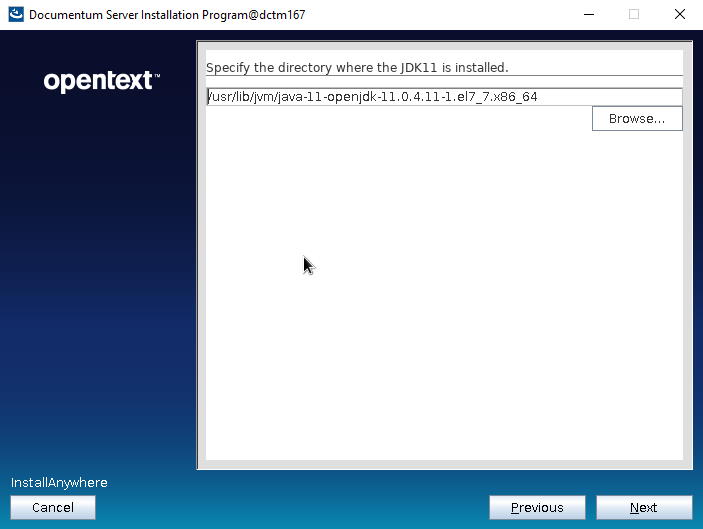
- Install openJDK 11 (remember to remove “anon” from the list of disabled algorithms or the installer will fail to connect to the repository)
[dmadmin@dctm202 cs]$ sudo yum -y install java-11-openjdk java-11-openjdk-devel
[dmadmin@dctm202 cs]$ echo $(dirname $(dirname $(readlink $(readlink $(which javac)))))
/usr/lib/jvm/java-11-openjdk-11.0.4.11-1.el7_7.x86_64
- Set up environment variables:
[dmadmin@dctm202 ~]$ vi ~/.bash_profile
DOCUMENTUM=/opt/documentum
export DOCUMENTUMDM_HOME=$DOCUMENTUM/product/20.2
export DM_HOMEPOSTGRESQL_HOME=/usr/pgsql-11
export POSTGRESQL_HOMEJAVA_HOME=/usr/lib/jvm/java-11-openjdk-11.0.6.10-1.el7_7.x86_64/
export JAVA_HOMEPATH=$PATH:$DM_HOME/bin:$POSTGRESQL_HOME/bin:$HOME/.local/bin:$HOME/bin:$JAVA_HOME/bin
export PATHLC_ALL=C
export LC_ALLLD_LIBRARY_PATH=$POSTGRESQL_HOME/lib:$DM_HOME/bin:$DOCUMENTUM/java64/JAVA_LINK/jre/lib/amd64/server:$LD_LIBRARY_PATH
export LD_LIBRARY_PATH
- Reserve ports for services:
[dmadmin@dctm202 ~]$ sudo vi /etc/services
dctm202 50000/tcp # dctm 20.2 repo
dctm202_s 50001/tcp # dctm 20.2 repo
- Create symbolic link for later (configuration program):
[dmadmin@dctm202 ~]$ sudo ln -s /usr/lib64/libsasl2.so.3.0.0 /usr/lib64/libsasl2.so.2
- Configure limits.conf:
[dmadmin@dctm202 ~]$ sudo vi /etc/security/limits.conf
dmadmin – core -1
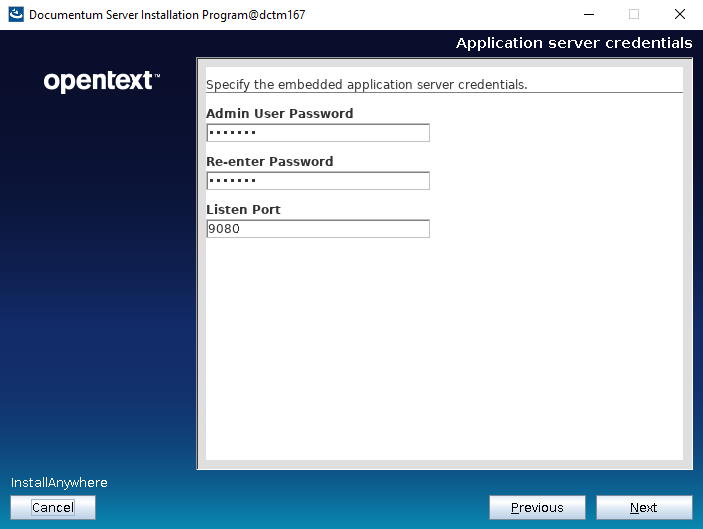
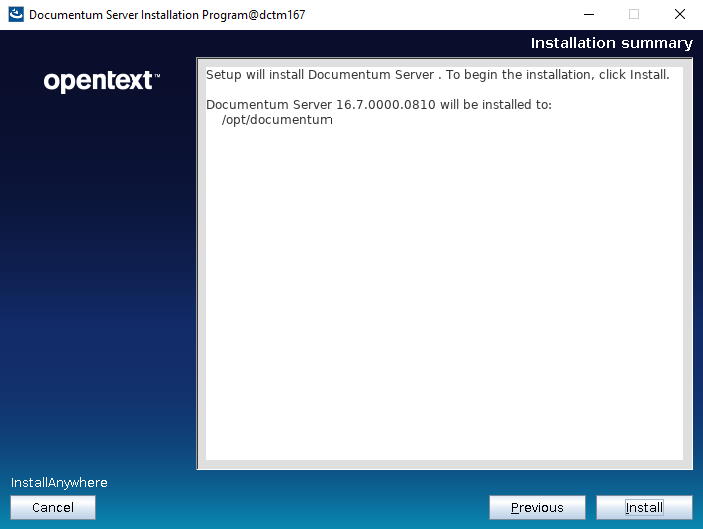
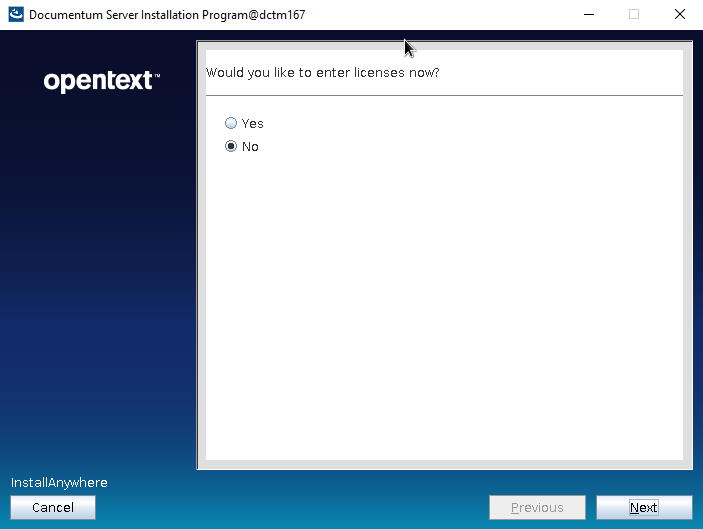
- Run the installer:
[dmadmin@dctm202 cs]$ tar -xvf content_server_20.2_linux64_postgres.tar
[dmadmin@dctm202 cs]$ chmod 777 serverSetup.bin
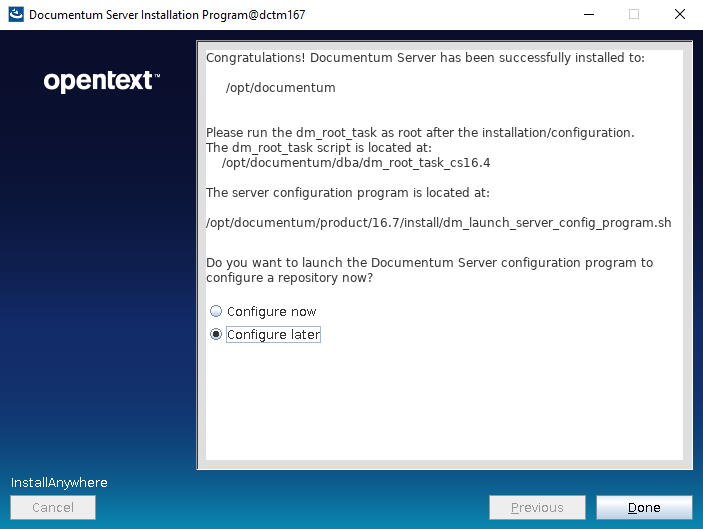
[dmadmin@dctm202 cs]$ ./serverSetup.bin
Docbroker and repository
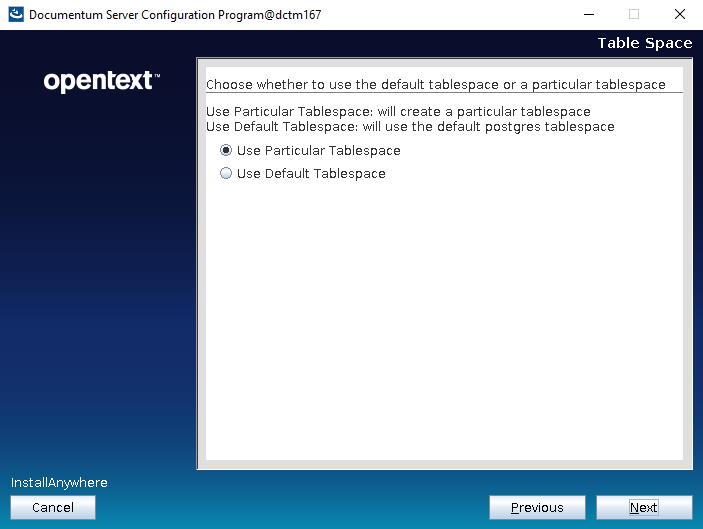
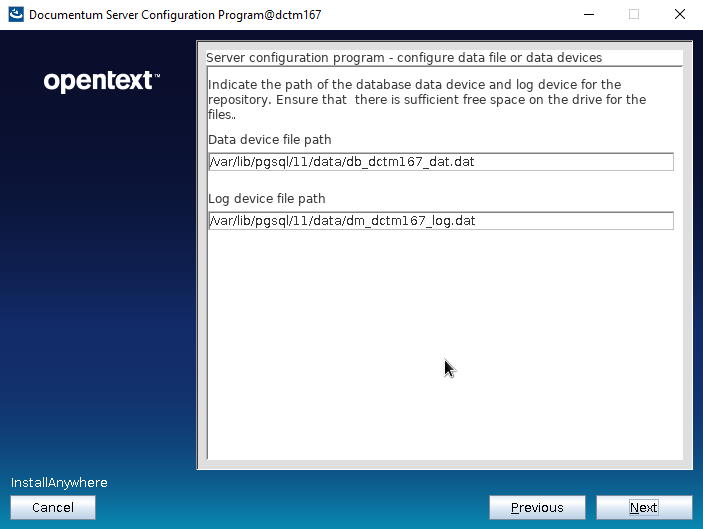
- Create the tablespace file for the repository (dctm202):
[dmadmin@dctm202 cs]$ su –
[root@dctm202 ~]# su – postgres
-bash-4.2$ mkdir /var/lib/pgsql/11/data/db_dctm202_dat.dat
-bash-4.2$ exit
[root@dctm167 ~]# exit
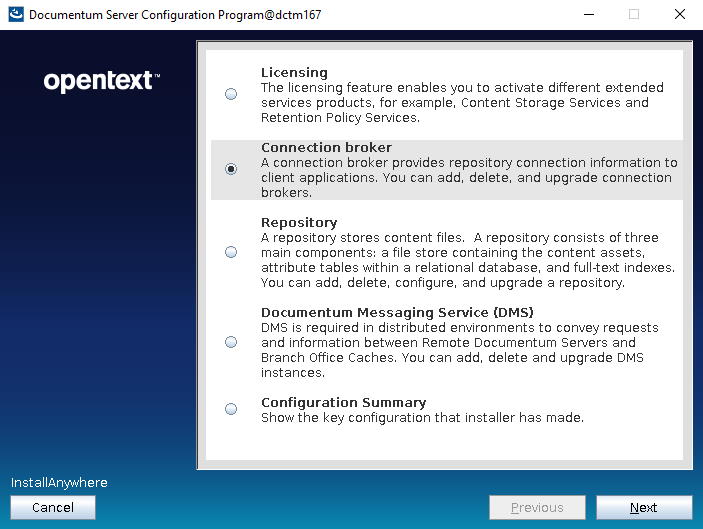
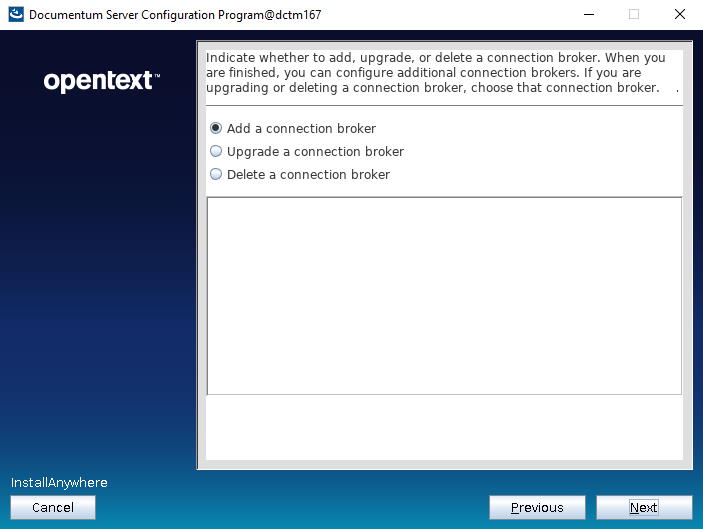
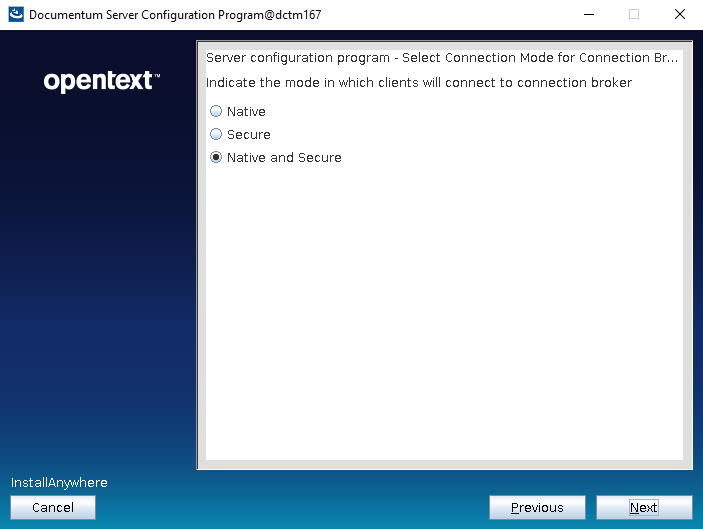
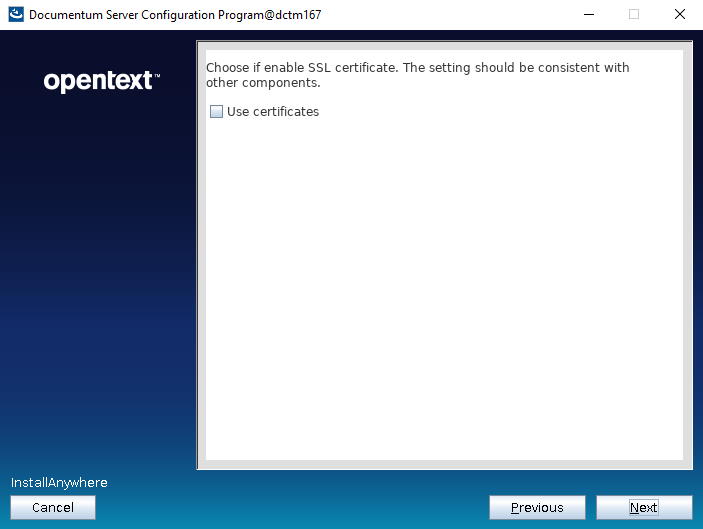
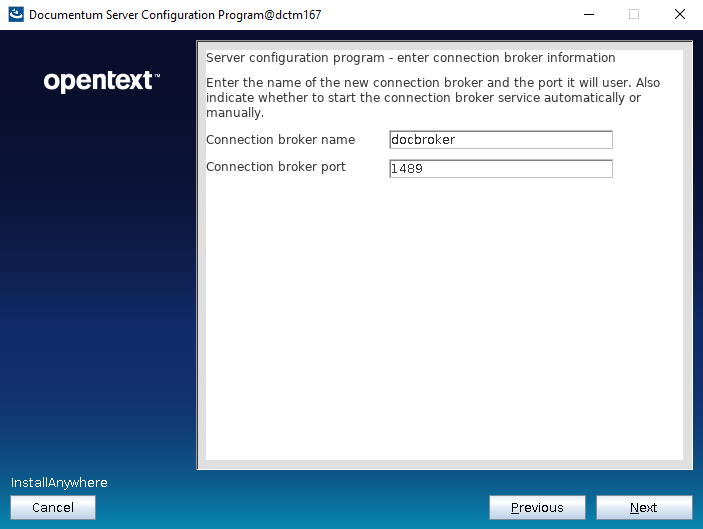
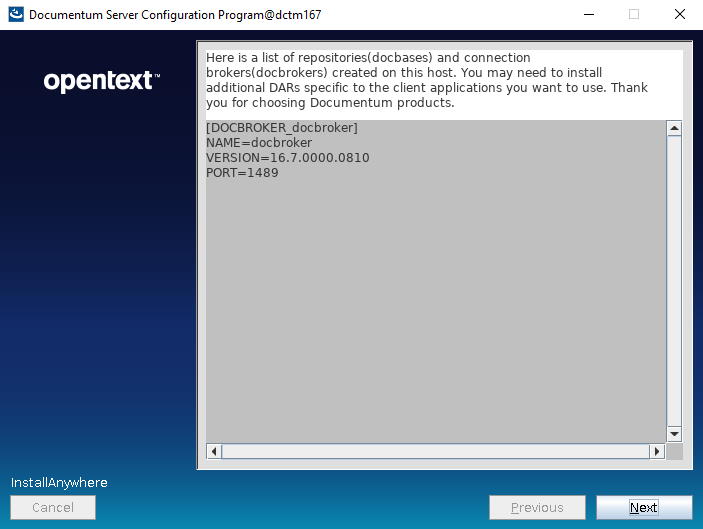
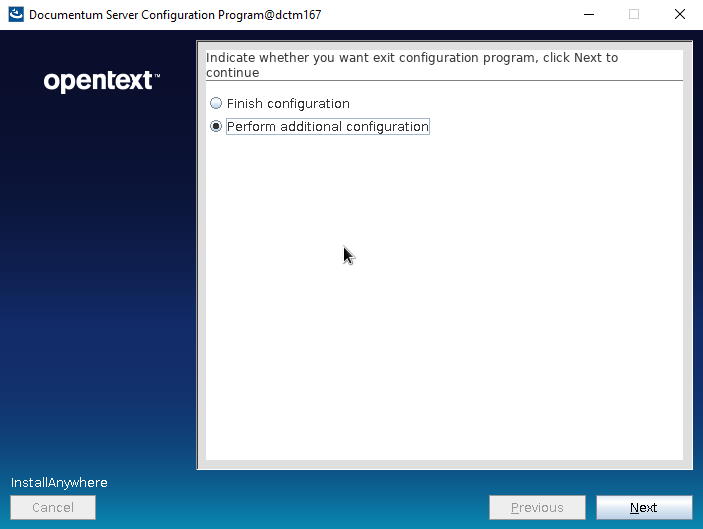
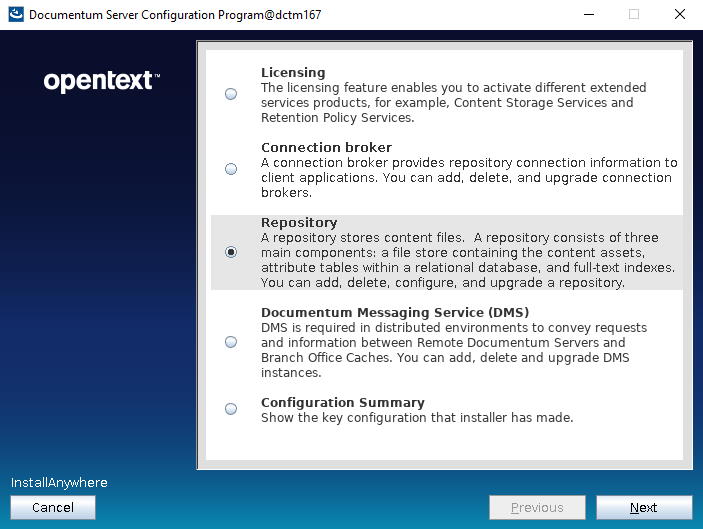
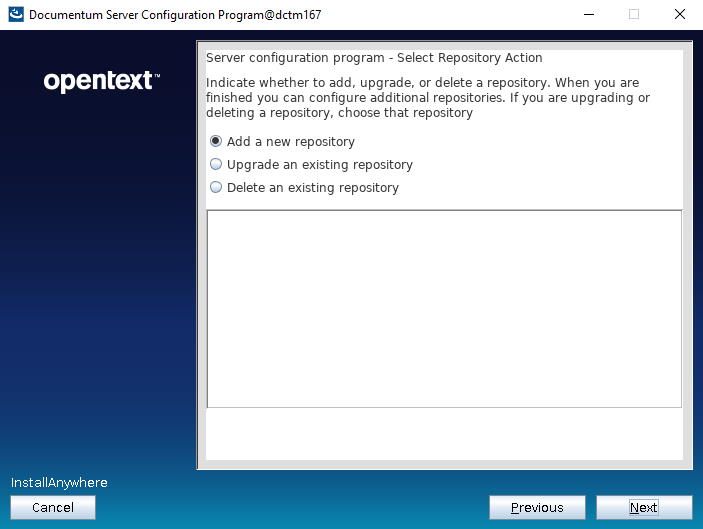
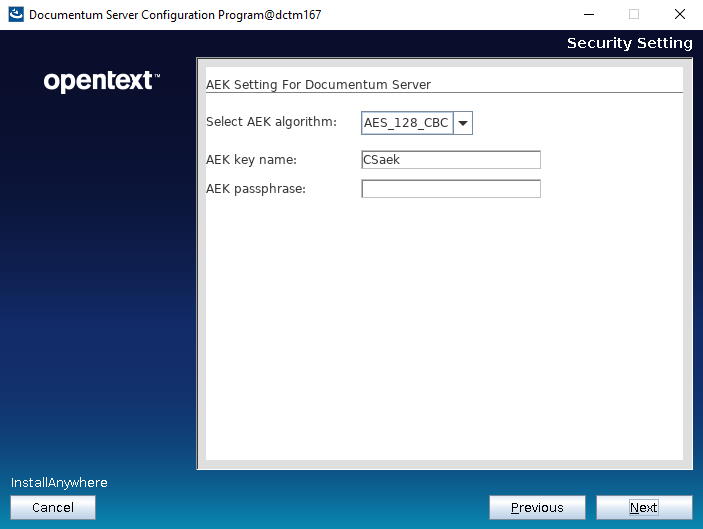
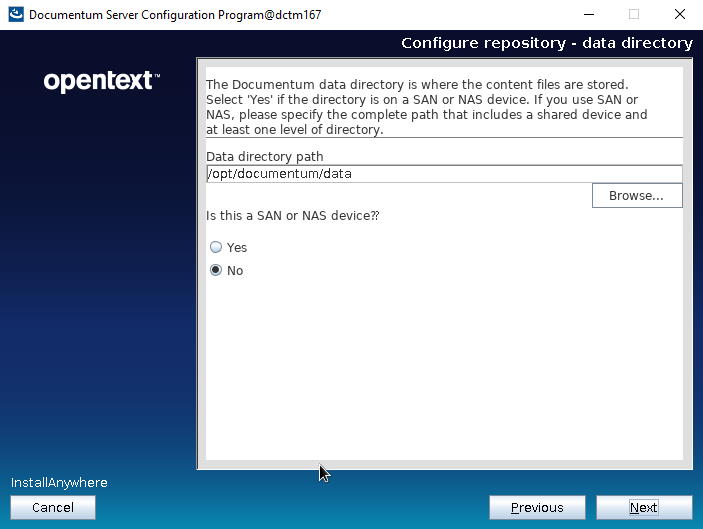
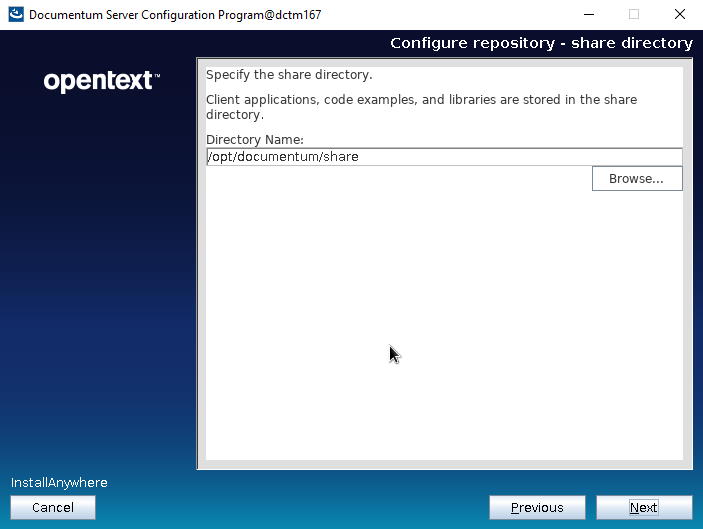
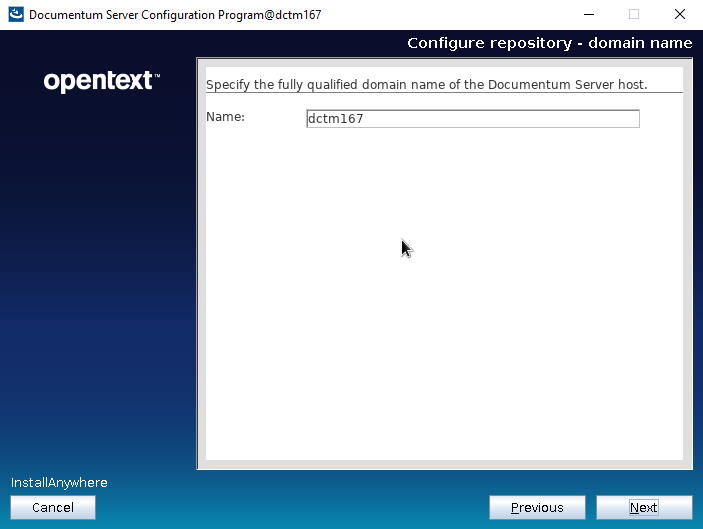
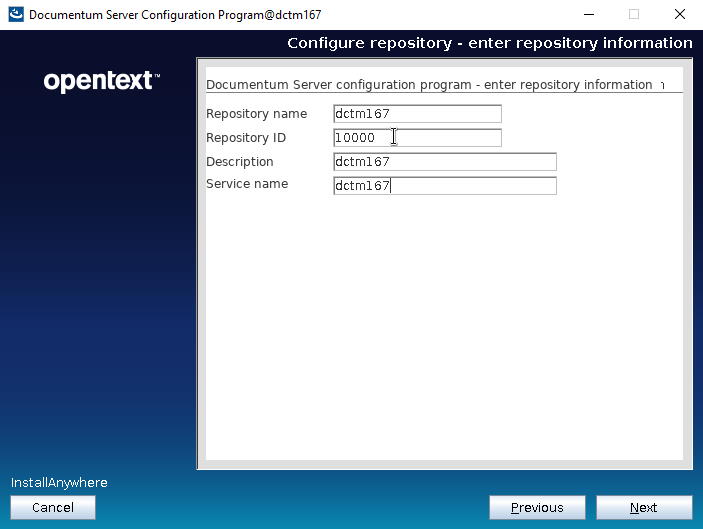
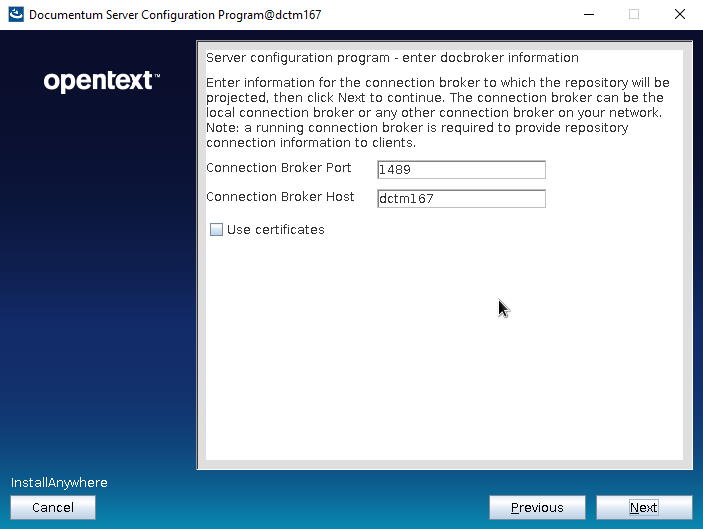
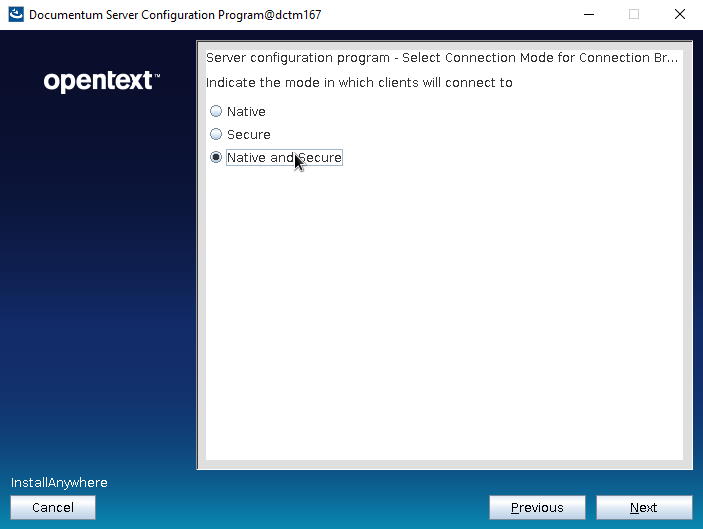
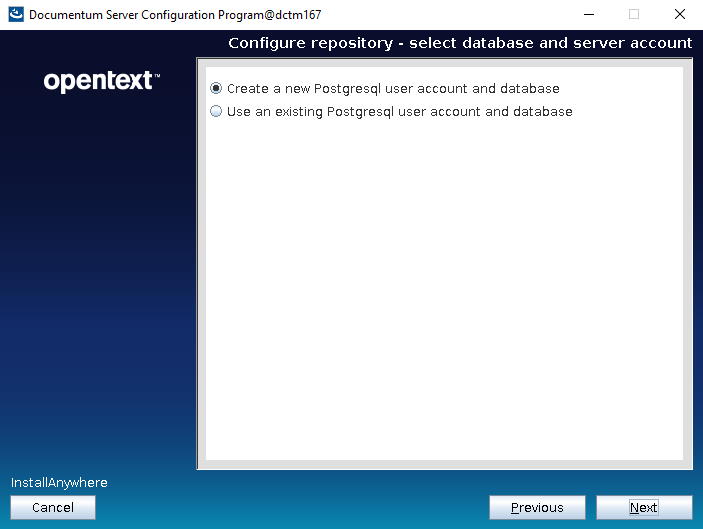
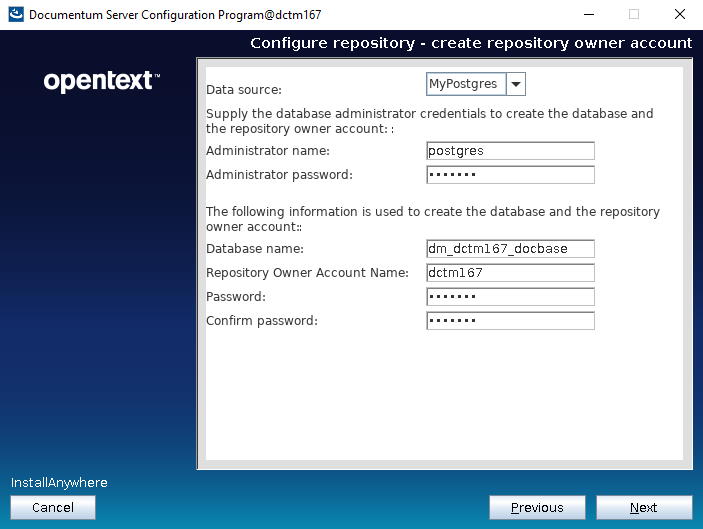
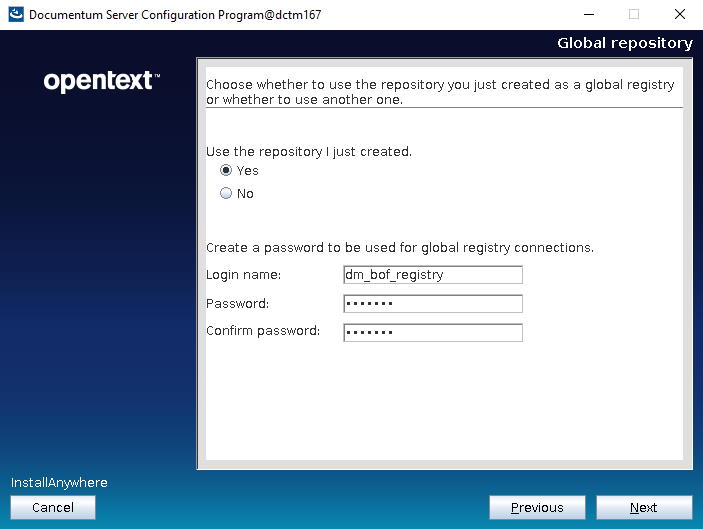
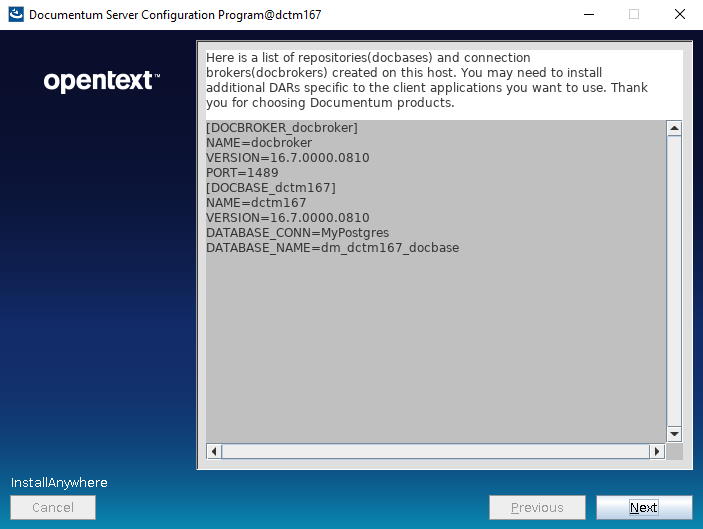
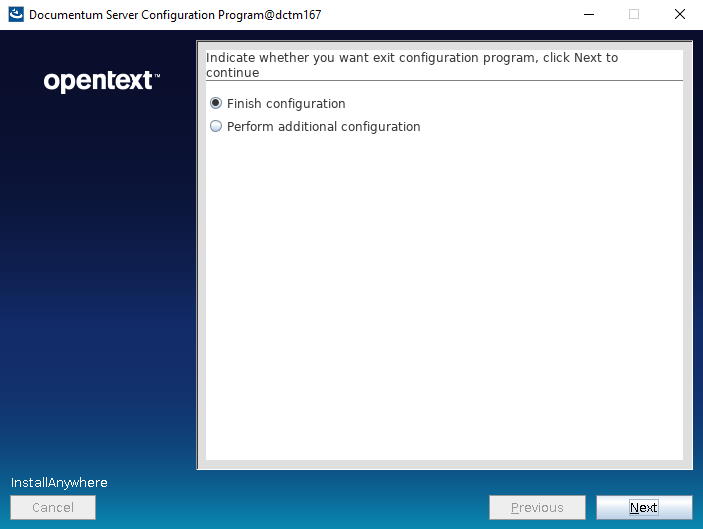
- Run the configurator:
[dmadmin@dctm202 install]$ ./dm_launch_server_config_program.s
And you should know the rest 🙂













 Alvaro de Andres' Blog